
Imagine opening your inbox and seeing an email from your bank warning that your account will be locked within the next 30 minutes. Without thinking twice, you click the link, log in, and continue with your day. Hours later, you discover unauthorized transactions on your account.
This is exactly how many email scams succeed. They don’t rely on sophisticated hacking alone. They rely on human psychology.. By creating urgency, fear, or excitement, scammers convince people to act before they have time to think.
Email remains one of the most trusted forms of online communication, making it one of the biggest targets for cybercriminals. Every day, billions of emails are sent worldwide, and hidden among legitimate messages are phishing attempts, fake invoices, fraudulent job offers, and other scams designed to steal money or personal information.
What’s more concerning is that modern scammers are now using artificial intelligence (AI) to create polished, convincing emails that closely resemble messages from banks, online stores, delivery companies, and government agencies.
The good news is that most email scams follow familiar patterns. Once you understand how they work and recognize the warning signs, you’ll be far less likely to become a victim. Learning how to identify common email scams is one of the simplest ways to reduce your risk of becoming a victim.
In this guide, you’ll learn about the most common email scams, see how they work, discover the biggest red flags to watch for, and learn practical ways to protect yourself, your accounts, and your personal information in 2026 and beyond.
Key Takeaways
- Phishing remains the most common type of email scam.
- Most scam emails create urgency to pressure victims into acting quickly.
- Never click links or download attachments from unexpected emails.
- Verify sensitive requests through official channels before responding.
- Strong passwords and multi-factor authentication provide an extra layer of protection.
- Staying informed is one of the best ways to avoid email scams.
Understanding the common email scams used by cybercriminals is the first step toward protecting your personal information and online accounts. While these common email scams use different tactics, they all rely on earning your trust before stealing information or money.
| Email Scam | Primary Goal | Biggest Warning Sign |
|---|---|---|
| Phishing Emails | Steal login credentials | Fake login page |
| Fake Invoice Scams | Trick victims into sending money | Unexpected invoice |
| Tech Support Scams | Gain remote access or payment | Urgent security alert |
| Lottery Scams | Collect advance fees | Prize you never entered |
| Bank Verification Scams | Steal banking credentials | Verify your account immediately |
| Delivery Notification Scams | Steal payment details | Unexpected delivery fee |
| Job Offer Scams | Identity theft or payment fraud | Employer requests payment |
| CEO Fraud | Divert company payments | Urgent request from an executive |
| Charity Scams | Fraudulent donations | Emotional appeal after disasters |
| Password Reset Scams | Capture account credentials | Reset request you didn’t make |
What Are Common Email Scams and How Do They Work?
Email scams are fraudulent messages designed to trick people into revealing sensitive information, downloading malware, transferring money, or giving criminals access to their online accounts.
Unlike traditional hacking, most email scams depend on social engineering, the practice of manipulating people instead of attacking computer systems directly.
Rather than breaking into your account, scammers persuade you to hand over your passwords, banking details, verification codes, or payment information voluntarily.
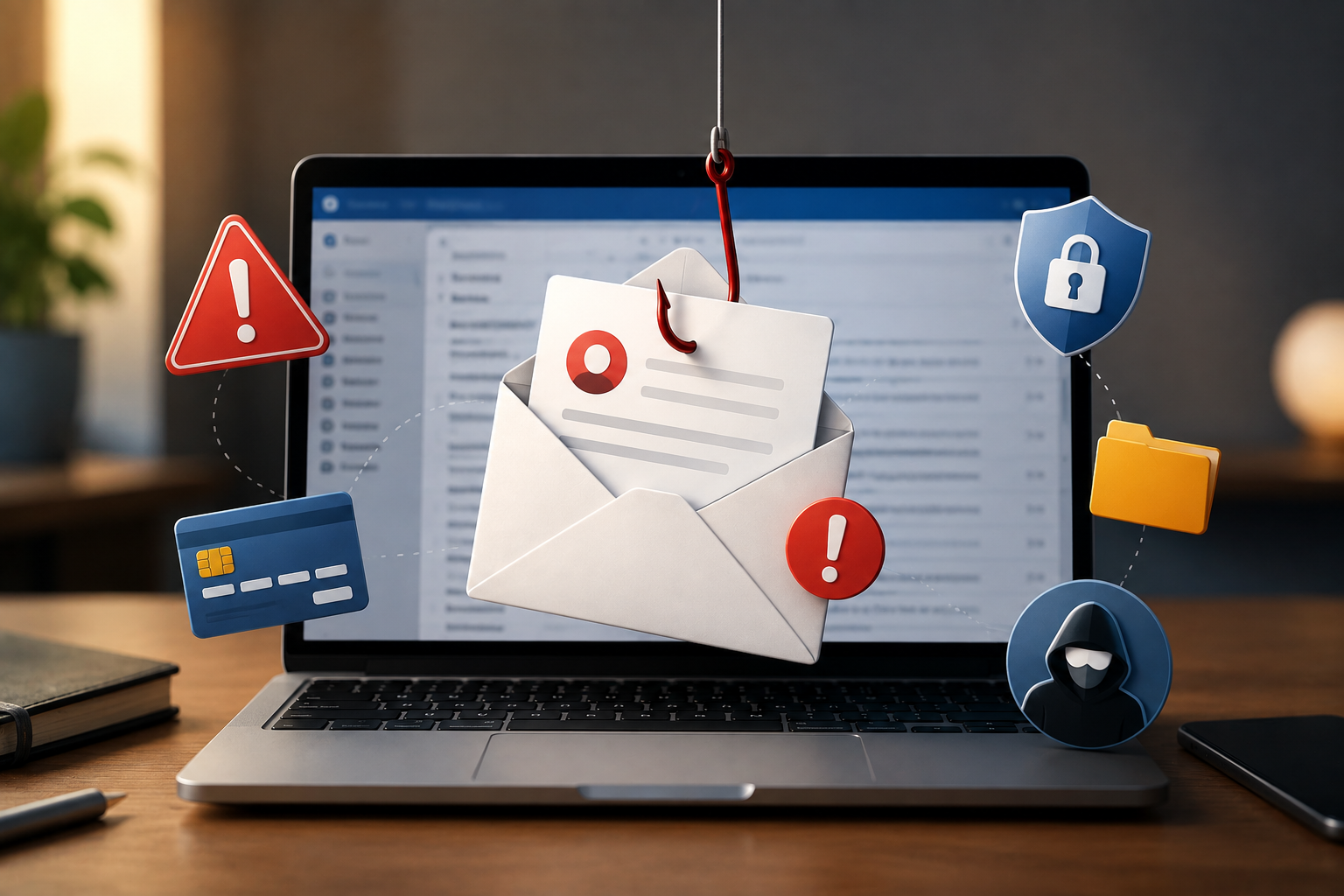
A typical email scam usually follows the same pattern.
How a Typical Email Scam Works
Although attackers constantly change their tactics, common email scams usually follow this same pattern.
- A cybercriminal sends an email that appears legitimate.
- The message creates urgency, curiosity, or fear.
- The recipient clicks a malicious link or opens an attachment.
- A fake website asks for login credentials or payment details.
- The attacker steals personal information, money, or installs malware.
Although the techniques continue to evolve, the objective rarely changes: convince the victim to trust a fake message.
Why Common Email Scams Continue to Fool Millions of People
With stronger spam filters and improved cybersecurity tools, you might wonder why email scams are still so successful. The answer lies in a combination of technology and psychology.
Email remains one of the most common ways cybercriminals target individuals and businesses. According to guidance from the Cybersecurity and Infrastructure Security Agency (CISA) and the Federal Trade Commission (FTC), phishing continues to be one of the leading methods attackers use to steal passwords, financial information, and personal data.
As AI-generated content becomes more sophisticated, scam emails are becoming increasingly difficult to distinguish from legitimate messages.
Billions of Emails Are Sent Every Day
Email remains one of the world’s most widely used communication tools. Because people rely on it for work, banking, shopping, healthcare, and personal communication, it has become an attractive target for cybercriminals.
Even if only a tiny percentage of recipients fall for a scam, attackers can still make substantial profits.
READ MORE: iPhone 18: Incredible Features, Release Date, Price & Everything We Know
AI Makes Scam Emails More Convincing
Years ago, phishing emails were often easy to spot because of obvious spelling mistakes and poor grammar. Today, AI tools help scammers create professional-looking emails that mimic the writing style, branding, and tone of legitimate companies.
Some phishing campaigns even personalize messages using publicly available information, making them harder to detect.
Scammers Exploit Human Emotions
Most successful email scams trigger an emotional response.
Common tactics include:
- Fear: “Your account has been suspended.”
- Urgency: “Respond within 24 hours.”
- Excitement: “You’ve won a prize.”
- Curiosity: “Someone logged into your account.”
- Trust: “Message from your employer.”
These emotions encourage quick decisions instead of careful thinking.
They Impersonate Trusted Brands
Cybercriminals frequently copy the logos, colors, and formatting of well-known companies.
Popular targets include:
- Microsoft
- Apple
- Amazon
- PayPal
- DHL
- FedEx
- Banks
- Government agencies
Because these brands are familiar, recipients are less likely to question the email’s authenticity.
10 Common Email Scams You Should Know About
1. Phishing Emails
Phishing is the most common type of email scam. Attackers impersonate trusted companies to steal usernames, passwords, banking details, or other sensitive information. Microsoft also provides a detailed guide on recognizing phishing messages and explains how to identify suspicious links, fake senders, and malicious attachments. See Microsoft’s phishing protection guide
How It Works
You receive an email claiming there’s a problem with your account.
The message includes a button labeled something like:
- Verify Account
- Confirm Identity
- Update Payment Method
- Secure Your Account
Clicking the button takes you to a fake website that looks almost identical to the real one. After entering your login details, the information is sent directly to the attacker.
Why It’s Dangerous
A single phishing email can give criminals access to:
- Email accounts
- Online banking
- Cloud storage
- Social media accounts
- Shopping websites
Once they compromise one account, they often attempt to access others using the same password.
How to Avoid It
- Check the sender’s full email address.
- Hover over links before clicking.
- Visit websites directly instead of using email links.
- Enable multi-factor authentication.
- Ignore unexpected requests for passwords or verification codes.
2. Fake Invoice Scams
Fake invoice scams target both businesses and individuals by sending invoices for products or services that were never purchased. Some invoices appear so professional that they’re almost impossible to distinguish from legitimate billing notices at first glance.
How It Works
The attacker pretends to be:
- A software provider
- A supplier
- A utility company
- A subscription service
- A contractor
The email includes an invoice with a payment deadline, encouraging the recipient to transfer money immediately.
Why It’s Dangerous
Businesses lose millions every year to fraudulent invoices because employees assume they’re processing routine payments. Freelancers and small business owners are also common targets.
How to Avoid It
- Verify every unexpected invoice.
- Compare invoice numbers with previous records.
- Contact the supplier using verified contact information.
- Never approve payments based solely on an email.
3. Tech Support Scams
What It Is
Tech support scams impersonate well-known technology companies or antivirus providers to convince you that your device has been infected with malware or hacked.
The goal is to steal your money, gain remote access to your computer, or install malicious software.
How It Works
The email claims your computer is at risk and urges you to take immediate action.
You may be instructed to:
- Call a “support” phone number.
- Download remote access software.
- Install a security tool.
- Pay for a fake repair service.
Once the scammer gains access to your device, they can steal files, install malware, or lock your computer until you pay a ransom.
Why It’s Dangerous
Granting remote access gives cybercriminals complete control over your device. They can view sensitive files, capture passwords, and even access your online banking sessions.
How to Avoid It
- Ignore unsolicited tech support emails.
- Never install software from unknown links.
- Don’t allow remote access unless you contacted the company first.
- Contact the company’s official support team if you’re unsure.
4. Lottery and Prize Scams
What It Is
Lottery scams convince victims they’ve won a prize they never entered to claim. The prize might be cash, a new smartphone, a luxury vacation, or even a new car.
How It Works
The email congratulates you on winning and asks you to pay a processing fee, taxes, or delivery costs before your prize can be released. Some scams request identity documents or banking information instead of money.
Why It’s Dangerous
Victims lose money, expose personal information, and sometimes become targets for additional scams after responding.
How to Avoid It
- Ignore prizes you didn’t enter to win.
- Never pay money to claim a reward.
- Research the organization before responding.
- Delete suspicious prize notifications immediately.
5. Bank Verification Scams
These scams impersonate banks and financial institutions to steal online banking credentials.
How It Works
The email claims there’s suspicious activity on your account or asks you to verify your identity. A button directs you to a fake banking website that closely resembles the real one.
After entering your username, password, or one-time verification code, the attacker gains access to your account.
Why It’s Dangerous
Stolen banking credentials can lead to unauthorized transfers, fraudulent purchases, and identity theft.
How to Avoid It
- Open your bank’s official app instead of clicking email links.
- Verify unusual alerts by calling your bank directly.
- Never share verification codes through email.
- Enable transaction notifications for your accounts.
6. Delivery Notification Scams
Delivery scams imitate courier companies and online retailers. They’re especially common during holiday shopping seasons when many people are expecting packages.
How It Works
The email claims:
- Your package couldn’t be delivered.
- Additional shipping fees are required.
- Your address needs confirmation.
- Customs charges must be paid.
Clicking the link usually leads to a fake payment page or downloads malware onto your device.
Why It’s Dangerous
Victims may unknowingly provide credit card information or install malicious software.
How to Avoid It
- Check your order history before responding.
- Track packages using the retailer’s official website.
- Be suspicious of unexpected shipping charges.
- Verify tracking numbers independently.
7. Job Offer Scams
Job scams target people searching for employment by offering attractive positions with excellent salaries and minimal requirements.
How It Works
The scammer pretends to represent a legitimate company and may conduct fake interviews before requesting:
- Payment for training.
- Equipment purchases.
- Identity documents.
- Banking details.
- Cryptocurrency payments.
Some scammers disappear after collecting money, while others use stolen personal information for identity theft.
Why It’s Dangerous
Besides financial losses, victims risk having their identities used to open fraudulent accounts or commit other crimes.
How to Avoid It
- Research the company thoroughly.
- Verify recruiter profiles on professional platforms.
- Never pay to secure a job.
- Be cautious of unusually high salaries for simple work.
8. CEO Fraud (Business Email Compromise)
CEO fraud, also known as Business Email Compromise (BEC), targets employees by impersonating executives or senior managers.
How It Works
The attacker sends an urgent email requesting:
- A bank transfer.
- Gift card purchases.
- Payroll information.
- Employee records.
- Confidential company documents.
Because the request appears to come from a senior executive, employees may comply without questioning it.
Why It’s Dangerous
BEC attacks have caused businesses worldwide to lose millions of dollars. Unlike traditional phishing, these scams are often carefully researched and highly personalized.
How to Avoid It
- Verify financial requests through another communication channel.
- Require multiple approvals for large payments.
- Train employees to recognize impersonation attempts.
- Implement email authentication protocols.
9. Charity Donation Scams
These scams exploit natural disasters, humanitarian crises, or major news events to solicit fake donations.
How It Works
The email contains emotional stories and urgent requests for financial assistance. Some even copy the branding of legitimate charities.
Unfortunately, donations go directly to scammers instead of helping those in need.
Why It’s Dangerous
Besides losing money, victims unknowingly support criminal activity.
How to Avoid It
- Donate only through official charity websites.
- Research organizations before contributing.
- Be skeptical of emotional emails demanding immediate donations.
- Avoid clicking donation links in unsolicited emails.
10. Password Reset Scams
Password reset scams pretend someone has requested to change your account password.
How It Works
The email urges you to secure your account by clicking a button. The button leads to a fake login page where attackers collect your credentials.
Why It’s Dangerous
Once attackers obtain your password, they may attempt to access other accounts using the same credentials. This is why reusing passwords is particularly risky.
How to Avoid It
- Confirm whether you actually requested the password reset.
- Visit the website directly instead of using the email link.
- Use unique passwords for every account.
- Enable multi-factor authentication.
How AI Is Making Email Scams More Convincing
Many of today’s common email scams now use artificial intelligence to create convincing phishing emails that are much harder to identify.
Artificial intelligence has dramatically improved the quality of phishing emails. Instead of relying on poorly written messages, attackers can now generate polished emails that mimic the tone, branding, and writing style of trusted companies.
Some scammers even personalize messages using publicly available information from social media or company websites. This makes the emails feel more authentic and increases the likelihood that recipients will trust them.
Although AI has made phishing more convincing, it hasn’t changed the basic warning signs. Unexpected requests, suspicious links, urgent language, and demands for sensitive information are still among the strongest indicators of a scam.
7 Warning Signs of a Scam Email You Should Never Ignore
Scammers have become much better at making fake emails look legitimate, but most phishing attempts still leave behind warning signs.
Before clicking any link or downloading an attachment, look for these red flags.
1. The Sender’s Email Address Looks Suspicious
A scammer may use a display name like PayPal Support or Microsoft Security, but the actual email address tells a different story.
For example:
❌ support@paypal-security247.com
Always inspect the full email address before trusting the message.
2. The Email Creates Unnecessary Urgency
Scammers want you to react emotionally instead of thinking logically.
Common phrases include:
- Your account will be suspended today.
- Immediate action required.
- Verify your identity now.
- Your payment has failed.
- Your package will be returned.
If an email pressures you to act immediately, pause and verify it first.
3. It Requests Sensitive Information
Legitimate organizations rarely ask for your:
- Password
- PIN
- One-time verification code
- Credit card details
- Social Security or national identification number
Any email requesting this information should be treated as suspicious.
4. The Greeting Is Generic
Instead of addressing you by name, scam emails often begin with:
- Dear Customer
- Dear User
- Valued Member
While this isn’t proof of fraud on its own, it’s another sign to proceed with caution.
5. Unexpected Attachments
Be cautious if an email includes attachments you weren’t expecting.
Common file types used in malware attacks include:
- .zip
- .exe
- .iso
- .js
Even Word documents and PDFs can contain malicious code. Never open attachments unless you’re confident they’re legitimate.
6. Suspicious Links
Before clicking any link, hover your mouse over it to preview the destination. If the URL doesn’t match the company’s official website, don’t click it.
On mobile devices, press and hold the link to preview the destination before opening it.
7. The Request Doesn’t Feel Normal
Trust your instincts. If an email seems unusual, even if it appears to come from someone you know—verify it through another communication channel.
Many successful scams happen simply because victims ignore their initial doubts.
Common Mistakes That Make Email Scams More Successful
Cybercriminals don’t always rely on sophisticated technology. Many attacks succeed because people make small mistakes while rushing through their inbox.
The most common ones include:
- Clicking links without checking the sender.
- Reusing the same password across multiple accounts.
- Ignoring multi-factor authentication.
- Opening unexpected attachments.
- Trusting the display name instead of the actual email address.
- Responding to emails out of panic.
- Sending money without verifying payment requests.
Avoiding these habits dramatically reduces your chances of becoming a victim.
What to Do Immediately After Receiving a Scam Email
Responding correctly after encountering common email scams can limit the damage and protect your accounts. Receiving a phishing email doesn’t necessarily mean your device has been compromised. The important part is how you respond.
If you’re unsure how to report a phishing attempt, follow the official guidance from the Federal Trade Commission (FTC)
Don’t Click Anything
Avoid:
- Clicking links
- Opening attachments
- Calling phone numbers
- Replying to the sender
Even replying confirms that your email address is active, which may lead to more scam attempts.
Report the Email
Most email providers allow you to report phishing emails directly. You should also report scams to the organization being impersonated, such as your bank or employer.
Doing so helps protect other users from similar attacks.
Delete or Quarantine the Message
After reporting it, remove the email from your inbox. Keeping suspicious emails increases the risk of accidentally opening them later.
If You Clicked the Link
Act immediately.
- Change your password.
- Enable multi-factor authentication.
- Sign out of all active sessions.
- Scan your device for malware.
- Contact your bank if financial information was exposed.
Quick action can significantly reduce the damage.
Before You Click Any Email Link
Take five seconds and ask yourself:
- Do I recognize the sender?
- Was I expecting this email?
- Is the sender asking for sensitive information?
- Is the email creating unnecessary urgency?
- Does the website address match the official domain?
- Can I verify this request another way?
If you’re unsure about any answer, don’t click. That simple habit can prevent most phishing attacks.
READ MORE: How Next-Gen Networking Tech Will Power Faster Data Centres
How to Protect Yourself From Email Scams in 2026
Good cybersecurity isn’t about being an expert. It’s about building habits that make you a difficult target. Learning how to recognize common email scams can significantly reduce your chances of becoming a victim.
For more practical advice on staying safe online, the National Cybersecurity Alliance phishing guide offers additional tips for recognizing and avoiding phishing attacks.
Use Strong, Unique Passwords
Every important account should have its own password. If one account is compromised, unique passwords prevent attackers from accessing your other accounts.
A password manager can generate and store complex passwords securely.
Enable Multi-Factor Authentication (MFA)
Multi-factor authentication adds another layer of protection. Even if someone steals your password, they still need a second verification step before accessing your account.
Whenever possible, use an authenticator app instead of SMS verification.
Keep Your Software Updated
Software updates often fix security vulnerabilities before cybercriminals can exploit them.
Enable automatic updates for your:
- Operating system
- Browser
- Antivirus
- Email applications
Install Trusted Security Software
A reputable antivirus program can:
- Detect malicious attachments.
- Block dangerous downloads.
- Warn you about suspicious websites.
- Prevent malware infections.
It shouldn’t replace good security habits, but it provides valuable additional protection.
Verify Before You Trust
If an email requests money, passwords, or sensitive information, verify it independently. You can also use tools like Google Safe Browsing to check whether a website is known to be unsafe before visiting it.
Instead of replying to the email:
- Visit the company’s official website.
- Use the phone number listed on their website.
- Contact customer support directly.
Never rely on contact information provided inside a suspicious email.
Stay Informed
Cybercriminals constantly develop new techniques. Learning about phishing attacks, online scams, and email security helps you recognize threats before they become serious problems.
Cybersecurity isn’t something you learn once, it’s an ongoing habit. As cybercriminals continue to evolve their tactics, staying informed about common email scams will help you recognize new threats more quickly.
READ MORE: Digital Payments in Africa: The Complete Guide to a Smarter Cashless Future (2026)
Quick Summary
By learning how common email scams work, you’ll be better prepared to recognize suspicious messages before they cause harm.
Here’s what to remember:
- Phishing emails remain the most common type of email scam.
- Most scams rely on urgency, fear, or excitement rather than technical hacking.
- Never click unexpected links or download unknown attachments.
- Verify financial or account-related requests independently.
- Use strong passwords and enable multi-factor authentication.
- Keep your devices updated and install trusted security software.
- Report phishing emails to your email provider and the organization being impersonated.
Conclusion: Stay One Step Ahead of Common Email Scams
Common email scams are becoming more sophisticated every year, but staying safe doesn’t require advanced technical skills. It simply requires good habits.
Slow down before clicking links, verify unexpected requests, use strong passwords, and enable multi-factor authentication wherever possible. These small actions can prevent some of the most common phishing attacks.
Cybercriminals only need one mistake to succeed. By staying informed and thinking before you click, you can protect your identity, finances, and online accounts from even the most convincing scams.
Fortunately, the principles of staying safe haven’t changed. Slow down before responding to unexpected emails. Verify requests through official channels. Avoid clicking suspicious links. Use strong, unique passwords, enable multi-factor authentication, and stay informed about the latest threats.
Remember, cybercriminals don’t need everyone to fall for their scams, they only need a few people to act without thinking. The examples and recommendations in this guide are based on security guidance from organizations such as CISA, the FTC, Microsoft Security, and Google Safe Browsing, along with current phishing trends observed across the cybersecurity industry.
The next time an unexpected email lands in your inbox, remember that common email scams often succeed because people act too quickly. Taking a few extra seconds to verify the message could protect your identity, your finances, and your online accounts.