
The internet has become part of almost everything we do. We shop online, pay bills, chat with friends, work remotely, store photos in the cloud, and even manage our finances from our phones.
But every click, search, download, and login leaves behind pieces of personal information. Without the right precautions, that information can be collected, tracked, sold, or stolen by cybercriminals.
The good news is that learning how to protect your privacy online doesn’t require advanced technical skills. A few simple habits can dramatically reduce your risk of identity theft, account hacking, online scams, and unwanted tracking.
If you’ve been wondering how to protect your privacy online, the strategies in this guide are practical, beginner-friendly, and effective against today’s most common online threats.
Whether you’re a student, remote worker, business owner, parent, or simply someone who uses the internet every day, This guide explains how to protect your privacy online using practical steps that anyone can follow.
Why Online Privacy Matters More Than Ever
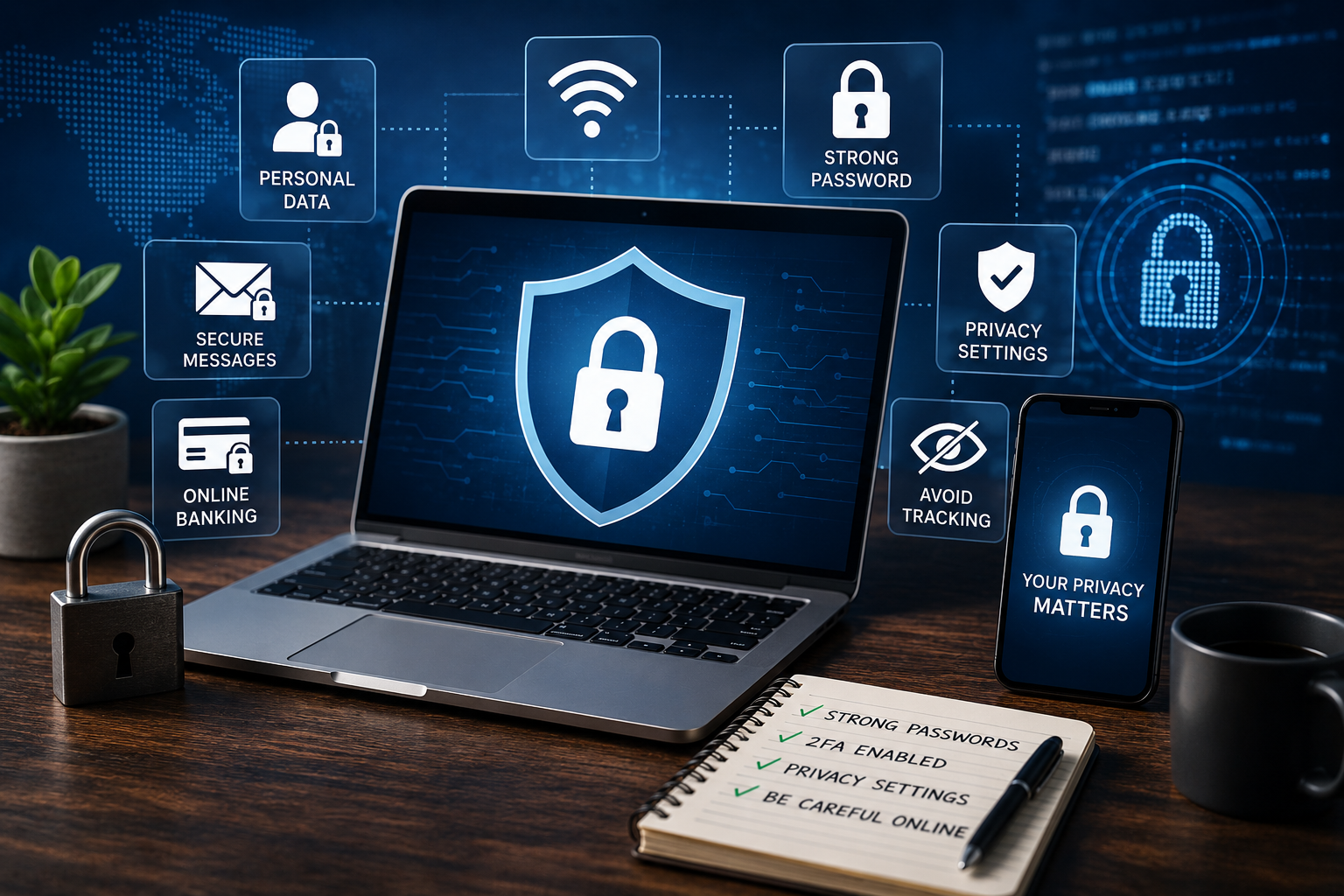
Years ago, protecting your privacy online mainly meant avoiding computer viruses. Today, the situation is very different.
Companies collect browsing habits to personalize advertisements. Apps request access to your contacts, microphone, camera, and location. Cybercriminals constantly search for weak passwords, leaked data, and unsuspecting users.
Every online activity contributes to your digital footprint.
If enough personal information falls into the wrong hands, it can lead to:
- Identity theft
- Financial fraud
- Account takeovers
- Targeted scams
- Loss of personal privacy
- Reputation damage
- Unauthorized tracking
The more connected our lives become, the more valuable our personal information becomes. Protecting it should be treated just like locking the front door of your home.
Understanding how to protect your privacy online is no longer optional, it’s an essential digital skill for anyone who uses the internet.
READ MORE: 15 Best Smart Home Devices Worth Buying in 2026 (Tested Picks for Every Budget)
Who Needs to Protect Their Privacy?
The short answer is everyone. Online privacy isn’t just for cybersecurity professionals or large companies.
Regardless of your experience, learning how to protect your privacy online can help you reduce the risk of fraud and identity theft.
You should care about your privacy if you:
- Shop online
- Use social media
- Bank online
- Own a smartphone
- Work remotely
- Use public Wi-Fi
- Store files in cloud storage
- Have an email account
If you use the internet, you have information worth protecting.
What Is Online Privacy?
Online privacy is the ability to control who can access, collect, store, and use your personal information while you’re using the internet. Before learning how to protect your privacy online, it’s important to understand what personal data is collected and how it’s used.
This includes information such as:
- Your name
- Email address
- Phone number
- Location
- Photos
- Browsing history
- Financial details
- Login credentials
Protecting online privacy means reducing unnecessary exposure and limiting how much information others can collect about you.
Online Privacy vs. Online Security
Although these terms are often used together, they’re not exactly the same. Online privacy focuses on controlling your personal information.
Online security focuses on protecting your devices, accounts, and data from cyber threats. Think of privacy as deciding who can see inside your house, while security is making sure no one breaks through the door.
Good digital habits require both. Now that you understand the risks, let’s look at how to protect your privacy online with 15 proven strategies.
How to Protect Your Privacy Online: 15 Proven Tips
1. Use Strong and Unique Passwords
One of the biggest mistakes people make is using the same password across multiple websites. If one website suffers a data breach, attackers often test the leaked password on your email, banking apps, and social media accounts.
Using strong passwords is one of the first steps in learning how to protect your privacy online.
Create passwords that are:
- At least 16 characters long
- Unique for every account
- A mix of letters, numbers, and symbols
- Difficult to guess
A password manager can generate and store complex passwords securely, making it easier to maintain strong security without memorizing dozens of different logins. The National Institute of Standards and Technology (NIST) password guidelines also recommend using long, unique passwords instead of relying on frequent password changes.
2. Enable Two-Factor Authentication (2FA)
Even the strongest password can be stolen. Two-factor authentication adds another layer of protection by requiring a second verification step before anyone can access your account.
This could be:
- An authentication app
- A fingerprint
- A security key
- A one-time verification code
Enabling 2FA significantly reduces the risk of unauthorized access, even if your password is compromised.
3. Keep Your Devices and Apps Updated
Software updates aren’t just about adding new features. Many updates fix security vulnerabilities that hackers actively exploit.
Whether it’s your smartphone, laptop, browser, or favorite app, installing updates promptly helps close security gaps before they can be abused.
Ignoring updates is like leaving broken locks on your front door. Keeping your software current is one of the easiest ways to protect your privacy online and reduce security risks.
4. Review App Permissions Regularly
Many apps request access to information they don’t actually need. For example, a simple flashlight app has no reason to access your contacts or location.
Every few months, review permissions for your installed apps and disable access that isn’t necessary. Reviewing permissions regularly is another effective way to learn how to protect your privacy online.
Pay particular attention to:
- Camera
- Microphone
- Contacts
- Photos
- Files
- Location
- Calendar
The fewer permissions you grant, the less personal data can be collected.
5. Limit What You Share on Social Media
Every photo, status update, or location check-in adds to your digital footprint.
While sharing parts of your life can be enjoyable, oversharing makes it easier for scammers to gather information about you. Details like your birthday, hometown, workplace, vacation plans, or family members can be used for identity theft, phishing attacks, or password recovery attempts.
Before posting, ask yourself:
- Could this reveal sensitive personal information?
- Would I be comfortable if a stranger saw this?
- Could this information be used against me?
Keeping some parts of your life private is one of the simplest online privacy tips you can follow.
6. Avoid Public Wi-Fi for Sensitive Activities
Free Wi-Fi at airports, cafés, hotels, and shopping malls is convenient, but it often comes with security risks. On unsecured networks, attackers may intercept your internet traffic or create fake hotspots that look legitimate.
Anyone serious about learning how to protect your privacy online should avoid accessing sensitive accounts over unsecured public Wi-Fi.
Avoid using public Wi-Fi for:
- Online banking
- Shopping with credit cards
- Accessing work accounts
- Logging into important services
If you must use public Wi-Fi, avoid sensitive transactions or use a reputable VPN to encrypt your internet connection.
READ MORE: AI in the Workplace: How AI Is Transforming the Modern Digital Workplace
7. Learn to Spot Phishing Scams
Phishing remains one of the biggest threats to internet privacy. Cybercriminals send fake emails, text messages, or social media messages that appear to come from trusted organizations.
Their goal is to trick you into revealing:
- Passwords
- Banking details
- Verification codes
- Personal information
Common warning signs include:
- Urgent requests for immediate action
- Poor grammar or spelling
- Unexpected attachments
- Suspicious links
- Requests for sensitive information
Instead of clicking links in unexpected messages, visit the company’s official website directly.
8. Always Check for HTTPS Websites
Before entering personal information on a website, check the address bar.
A secure website should begin with: https://
You’ll also usually see a padlock icon next to the web address. HTTPS encrypts information sent between your browser and the website, making it much harder for attackers to intercept your data.
While HTTPS doesn’t guarantee a website is trustworthy, it’s an important first layer of protection. Secure websites are an important part of how to protect your privacy online while browsing.
9. Use Secure and Encrypted Messaging Apps
Not every messaging app offers the same level of privacy. Apps with end-to-end encryption ensure that only you and the intended recipient can read your messages.
When choosing a messaging platform, look for features such as:
- End-to-end encryption
- Two-factor authentication
- Automatic message deletion
- Device verification
- Encrypted backups (when available)
These features help keep conversations private, even if data is intercepted during transmission.
10. Review Privacy Settings Frequently
Many online services update their privacy policies and settings over time. A platform that once protected your information well may later introduce new data-sharing options or tracking features.
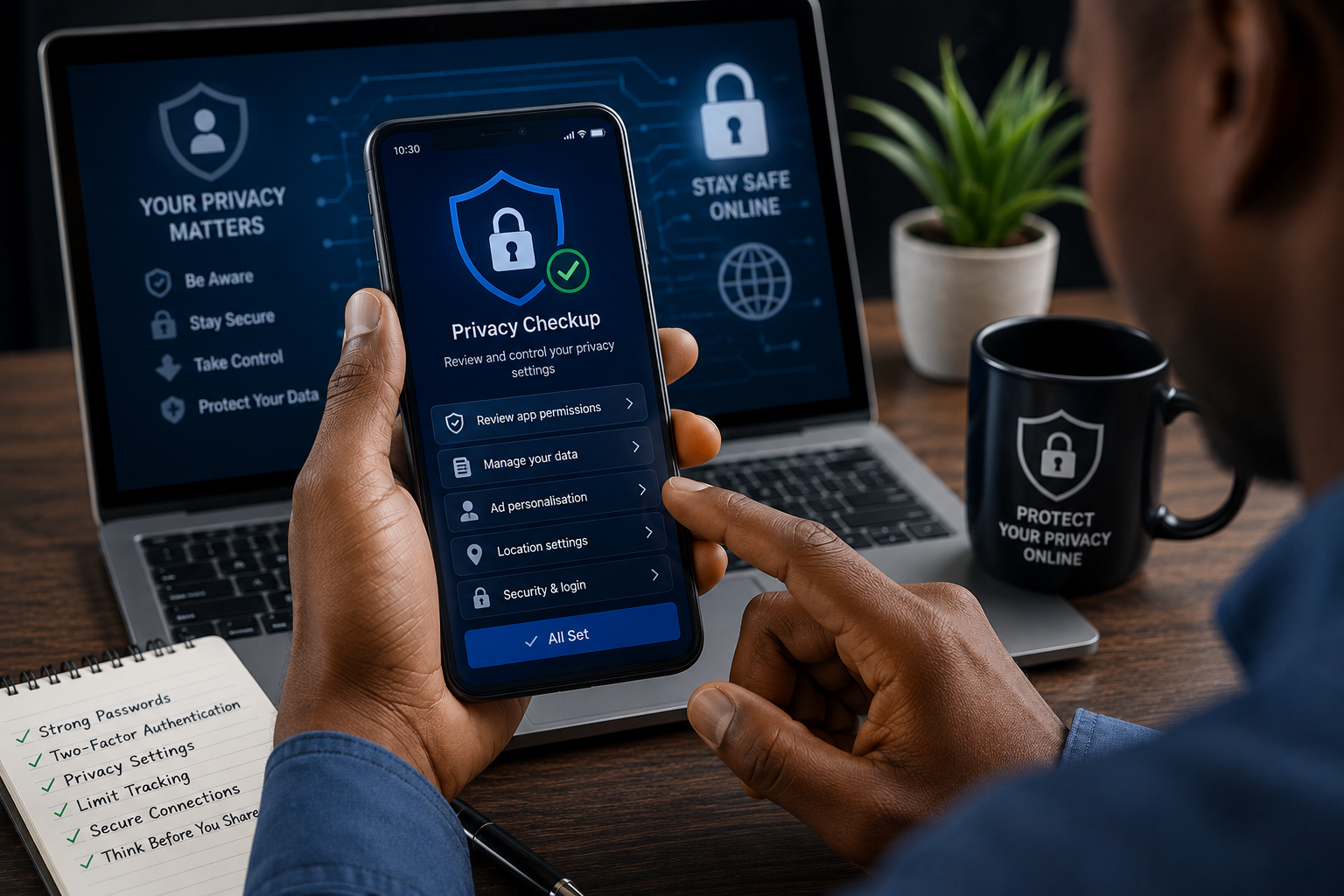
Regularly reviewing these settings is another important step in how to protect your privacy online.
Take a few minutes every few months to review the privacy settings on your:
- Social media accounts
- Google account
- Apple account
- Microsoft account
- Browser
- Online shopping accounts
Disable unnecessary tracking and limit who can view your personal information. You can also explore the Google Safety Center for official guidance on managing your Google account’s privacy and security settings.
11. Install Browser Extensions Carefully
Browser extensions can improve productivity, but they can also collect surprising amounts of personal data.
Some extensions can access:
- Browsing history
- Passwords
- Open tabs
- Clipboard contents
- Website activity
Before installing an extension:
- Check its reviews.
- Verify the developer.
- Review the permissions it requests.
- Remove extensions you no longer use.
Installing only trusted extensions reduces unnecessary exposure of your browsing data.
12. Understand Cookies and Online Tracking
Cookies are small files stored by websites to remember information about your visit. Some cookies improve your browsing experience, such as keeping you logged in.
Others are designed to track your behavior across multiple websites for advertising purposes. Understanding cookies makes it easier to know how to protect your privacy online from unnecessary tracking.
To improve digital privacy:
- Clear cookies periodically.
- Block third-party cookies where possible.
- Use your browser’s privacy controls.
- Limit ad tracking on your devices.
Reducing unnecessary tracking helps protect your browsing habits from being collected and shared. The Mozilla Privacy & Security resources explain browser privacy features and practical ways to reduce online tracking.
13. Protect Your Cloud Storage Accounts
Cloud storage services make it easy to access files anywhere, but they also contain valuable personal information.
Protect cloud accounts by:
- Using a strong, unique password.
- Enabling two-factor authentication.
- Removing old shared links.
- Reviewing connected devices regularly.
- Backing up important files.
A compromised cloud account can expose years of personal documents, photos, and sensitive information.
14. Monitor Your Accounts for Suspicious Activity
Early detection can prevent small security issues from becoming major problems.
Regularly check:
- Bank statements
- Credit card transactions
- Email login history
- Social media logins
- Shopping accounts
Watch for:
- Unknown login attempts
- Password reset emails you didn’t request
- Purchases you don’t recognize
- New devices connected to your account
If something looks suspicious, change your password immediately and enable additional security measures.
15. Understand AI and Modern Privacy Risks
Artificial intelligence has made many online services smarter, but it has also introduced new privacy concerns.
AI systems can analyze:
- Photos
- Voice recordings
- Search history
- Shopping habits
- Online conversations
- Location data
Before uploading personal content to AI-powered platforms, consider what information you’re sharing and whether it could be stored or used to improve future services.
Reading privacy policies may not be exciting, but understanding how your data is handled is becoming increasingly important. Even people who understand how to protect your privacy online can make mistakes that expose their personal data.
Common Online Privacy Mistakes to Avoid
Even people who know how to protect your privacy online sometimes make simple mistakes that put their personal information at risk.
Some of the most common include:
- Reusing the same password across multiple accounts.
- Ignoring software and security updates.
- Clicking links in unexpected emails or messages.
- Downloading apps from unofficial sources.
- Sharing too much personal information on social media.
- Leaving location services enabled for every app.
- Accepting all browser cookies without reviewing the options.
- Using weak security questions with easily guessed answers.
Avoiding these habits can significantly improve your online safety without requiring advanced technical knowledge.
Online Privacy Tools Worth Considering
No single tool can guarantee complete privacy online. Instead, think of these tools as layers of protection. Each one addresses a different risk, and together they help create a safer online experience.
The right tools can make how to protect your privacy online much easier without requiring technical expertise.
Password Managers
Remembering dozens of strong, unique passwords is nearly impossible.
A password manager securely stores your login credentials and can generate complex passwords that are difficult to crack. Most also alert you if one of your passwords appears in a known data breach.
When choosing a password manager, consider factors such as:
- End-to-end encryption
- Cross-device syncing
- Secure password generation
- Breach monitoring
- Ease of use
The best option depends on your budget, devices, and whether you need to share passwords with family or a team.
Privacy-Focused Browsers
Traditional browsers often prioritize convenience, while privacy-focused browsers place greater emphasis on limiting tracking.
Features worth looking for include:
- Built-in tracker blocking
- Third-party cookie blocking
- Fingerprinting protection
- Private browsing modes
- HTTPS enforcement
No browser makes you completely anonymous, but stronger privacy controls can reduce the amount of data collected about your browsing habits.
Encrypted Messaging Apps
If privacy is important, use messaging apps that offer end-to-end encryption by default or as an option.
Useful features include:
- End-to-end encrypted chats
- Encrypted voice and video calls
- Disappearing messages
- Device verification
- Backup encryption
Remember that encrypted messages protect conversations in transit, but screenshots or compromised devices can still expose information.
READ MORE: AI Growth in 2026: Key Statistics Every Tech Reader Should Know
Privacy Search Engines
Many search engines collect information about your searches to personalize results and advertisements. Privacy-focused search engines aim to reduce or eliminate personal tracking while still delivering relevant search results.
They may:
- Avoid storing your search history
- Minimize personalized advertising
- Reduce tracking cookies
- Limit data collection
Choosing one depends on whether you value maximum privacy or more personalized search results.
VPN Services
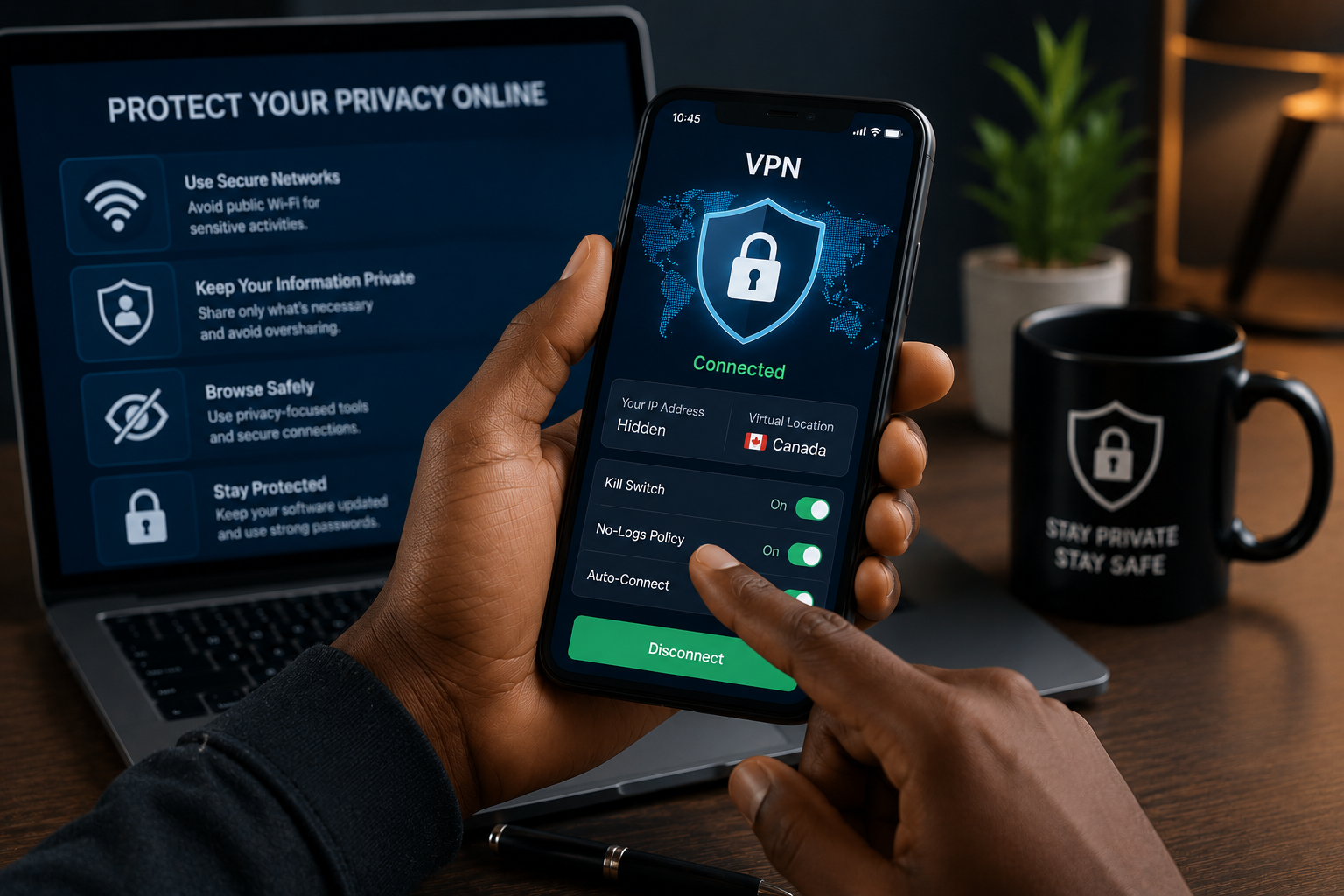
A Virtual Private Network (VPN) encrypts your internet connection and helps protect your data, especially when using public Wi-Fi.
A VPN can:
- Encrypt internet traffic
- Hide your IP address from many websites
- Reduce tracking based on your network location
- Improve security on unsecured networks
However, a VPN is not a magic solution. It doesn’t stop phishing attacks, remove malware, or make you anonymous online. The quality and privacy practices of the VPN provider also matter, so it’s important to choose a reputable service.
Conclusion
Learning how to protect your privacy online isn’t about becoming invisible on the internet. It’s about making smart decisions that reduce unnecessary risks and give you greater control over your personal information.
The good news is that most privacy improvements take only a few minutes to implement. Creating stronger passwords, enabling two-factor authentication, reviewing app permissions, limiting what you share online, and keeping your devices updated can significantly improve your digital privacy.
As technology evolves, so do online threats. Cybercriminals continually develop new ways to exploit personal data, while companies collect increasing amounts of information to personalize services and advertising. Staying informed and reviewing your privacy settings regularly will help you keep pace with these changes.
Building strong privacy habits today can save you from identity theft, financial loss, and unnecessary stress tomorrow. Treat your personal information as one of your most valuable digital assets, and protect it with the same care you would your home, wallet, or bank account.
Now that you know how to protect your privacy online, start by implementing one or two of these tips today. Small improvements made consistently can significantly reduce your exposure to cyber threats over time. The best time to start learning how to protect your privacy online is today, before cybercriminals have the opportunity to exploit your personal information.
A safer online experience starts with the choices you make every day. Small actions, practiced consistently, are the foundation of long-term online privacy and security.